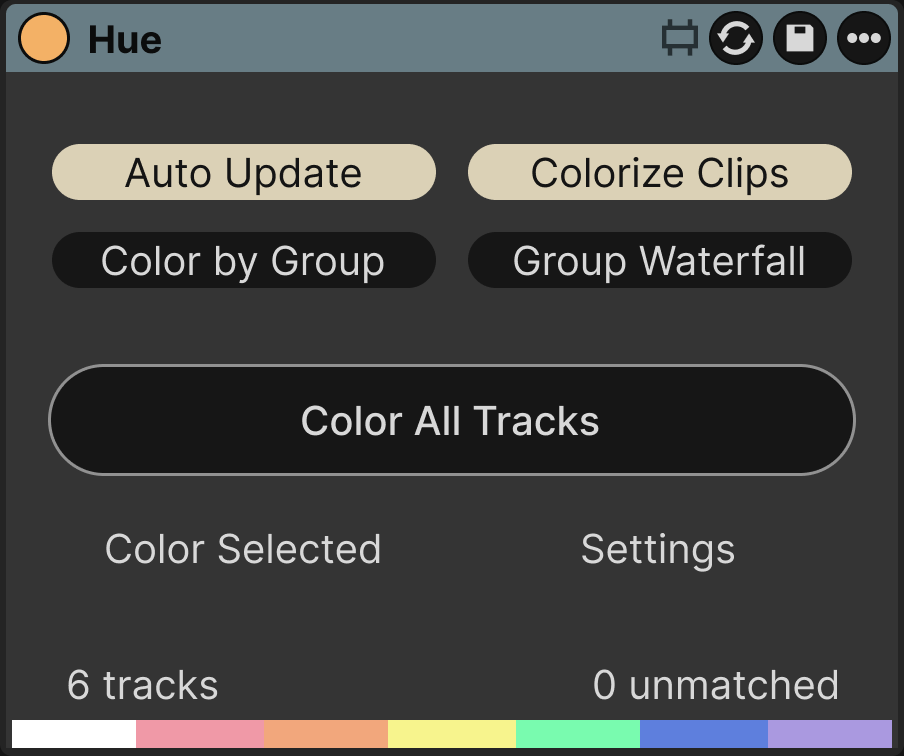
Set it once
Drop Hue on the Main (Master) track of your template set and save it. Every new session opens with your colors in place. Hue never recolors an existing set on load.
Groups
Color by Group gives every track inside a group the group's color. Group Waterfall keeps your color on the group and lightens it for the tracks inside.

Features
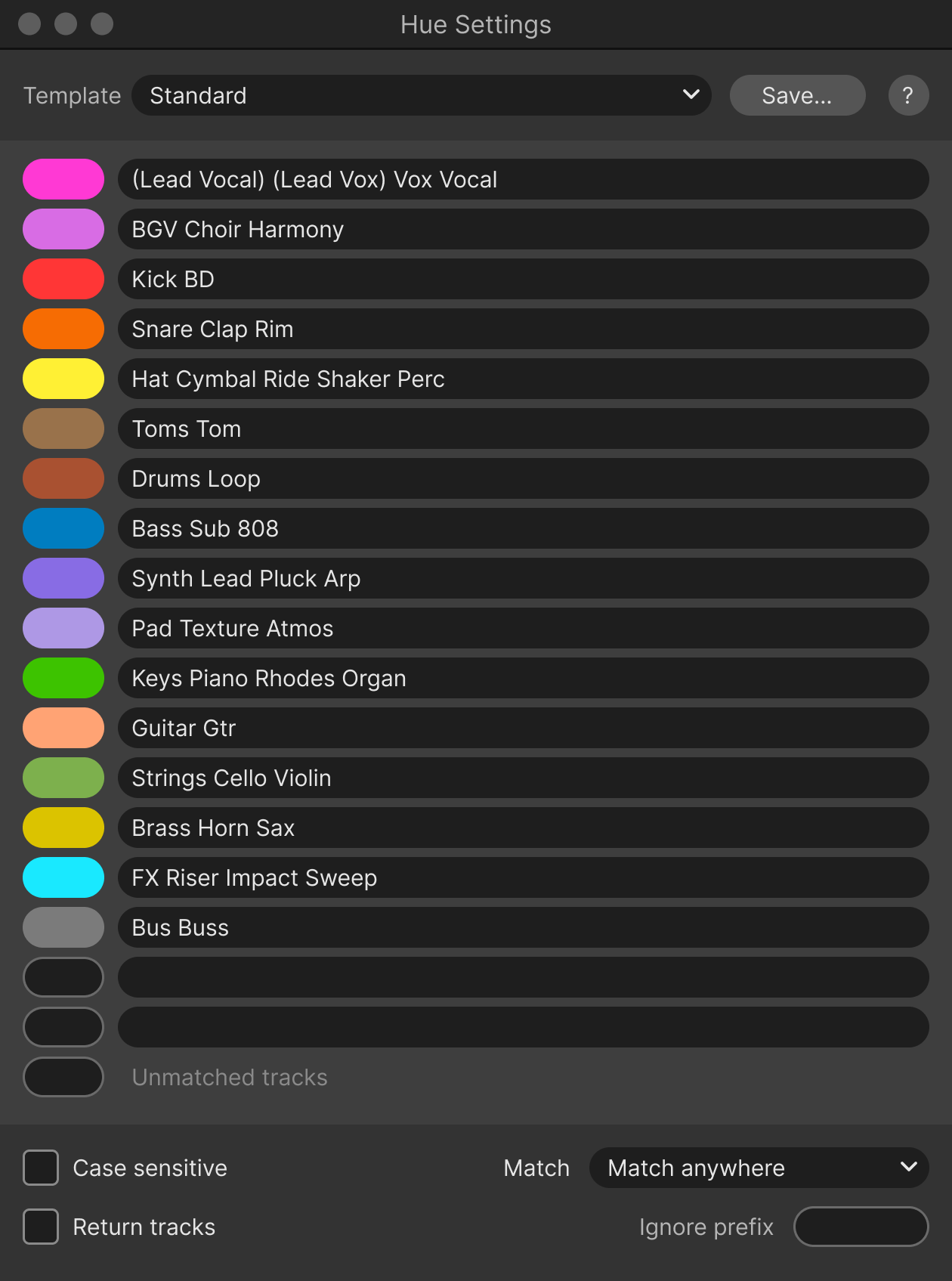
- Keyword syntax
- The first row that matches wins. Spaces or commas separate keywords.
- Clips too
- With Colorize Clips on, clips take their track's color.
- Undo as usual
- Every color change is a normal Live edit. Undo works as usual.
- Ignore prefix
- Names starting with * are never recolored.
Specs
- Format
- Max for Live audio effect, any track, usually Main
- Platforms
- macOS, Windows
- Requirements
- Ableton Live 10, 11 or 12 Suite, or Standard with Max for Live
Hue
$15One-time purchase. No license key, no activation.